
AI Overlay
jvim’s AI features are optional. After you configure a provider, the AI overlay (F6) offers Ask, Insert, and Rewrite modes. Inline ghost-text autocomplete and the AI context menu can also be enabled when you want model assistance. No network traffic is sent unless you explicitly invoke an AI feature.
Demo recording in progress — coming in the next release.
AI Overlay — Three Modes
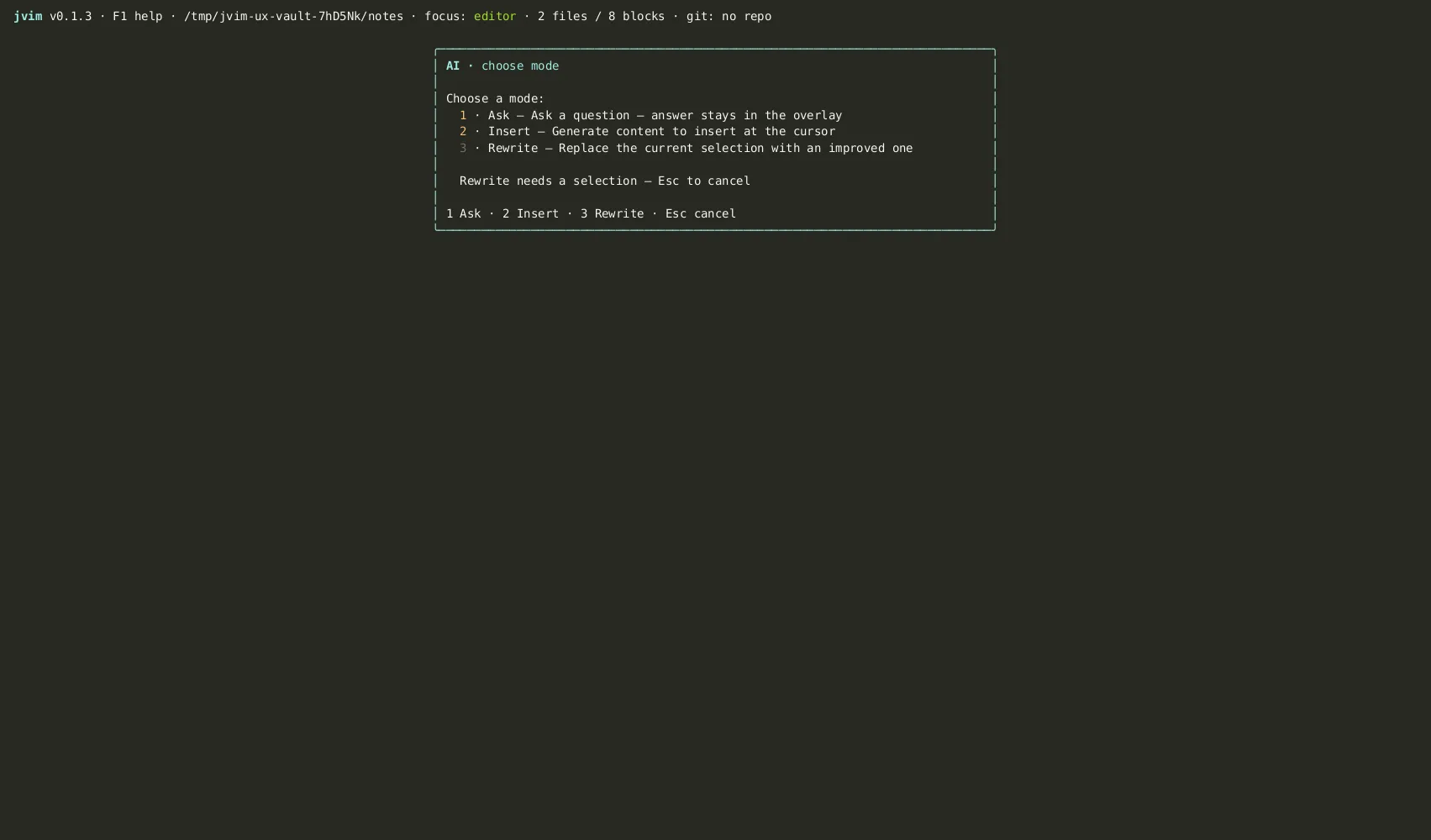
Section titled “AI Overlay — Three Modes”Press F6 to open the AI prompt overlay and choose a mode:
| Keys | Action | Notes |
|---|---|---|
F6 | Open AI overlay | Shows the mode picker: Ask / Insert / Rewrite |
Esc | Close overlay | Dismiss without sending a prompt |
Ctrl+Z | Undo AI result | Revert an Insert or Rewrite after accepting |
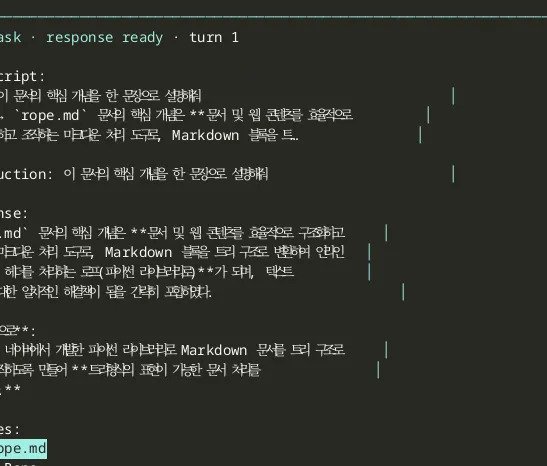
Ask is a Q&A interface that can use vault context. If the semantic index is available, the first response retrieves relevant chunks from your vault before generating an answer.
After the response, a Sources section lists the vault notes that contributed, with snippet previews. Use arrow keys to navigate sources and press O to open a source note directly.
| Keys | Action | Notes |
|---|---|---|
F6 → Ask | Open Ask mode | Vault-aware Q&A; uses semantic index when available |
Enter | Submit question / follow-up | Send the prompt; subsequent Enter sends a follow-up |
O | Open source note | Opens the highlighted RAG source in the editor |
Insert
Section titled “Insert”Insert generates new content at the cursor position. If you have text selected, that selection is passed to the model as context. If there is no selection, jvim uses the surrounding section as context automatically.
The generated text streams into the buffer in real time. Undo (Ctrl+Z) removes the entire insertion as one step.
Rewrite
Section titled “Rewrite”Rewrite replaces a selection with AI-revised content. Select the text you want to improve, open the overlay with F6, choose Rewrite, and describe what you want changed. The model replaces the selection in-place.
If the result is not what you wanted, Ctrl+Z restores the original selection in a single undo step.
AI Context Menu
Section titled “AI Context Menu”The context menu (Alt+/) opens an inline action picker next to the cursor — no full overlay needed. It lists common rewrite and insert actions: continue writing, complete paragraph, proofread, summarize, translate, change tone.
| Keys | Action | Notes |
|---|---|---|
Alt+/ or Ctrl+/ | Open AI context menu | Inline action picker at cursor position |
↑ / ↓ | Select action | Navigate the action list |
Enter | Run action | Applies the selected action to the selection or context |
Esc | Close | Dismiss without running any action |
When text is selected, rewrite-type actions (proofread, summarize, translate) use the selection as their target. Without a selection, insert-type actions (continue writing, complete paragraph) use surrounding context.
Inline Autocomplete
Section titled “Inline Autocomplete”Inline autocomplete shows Copilot-style ghost text as you type. It is off by default — toggle it on with Alt+I or F9.
Once active, jvim requests a completion a moment after you stop typing. The suggestion appears as faint ghost text extending from your cursor. You can accept all of it, accept one word at a time, or simply continue typing to discard it.
| Keys | Action | Notes |
|---|---|---|
Alt+I / F9 | Toggle inline autocomplete | Enable or disable ghost-text suggestions |
Tab | Accept full suggestion | Insert the entire ghost-text completion |
→ / Ctrl+→ | Accept one word | Insert just the next word of the suggestion |
Any other key | Discard suggestion | The ghost text disappears; normal typing continues |
The status bar shows an AI badge indicating whether inline autocomplete is active and surfacing any connection errors (missing API key, unreachable endpoint).
To use a faster, cheaper model for inline completions than for Ask/Rewrite, set inline_model separately in providers.toml.
Provider Configuration
Section titled “Provider Configuration”jvim currently connects to OpenAI-compatible chat APIs. That includes OpenAI, Groq, local Ollama or llama.cpp servers that expose a /v1 API, and Anthropic only when routed through an OpenAI-compatible gateway.
Configure providers in ~/.config/jvim/providers.toml:
schema_version = 1default_provider = "openai-cloud"
[[providers]]id = "openai-cloud"kind = "openai-compat"base_url = "https://api.openai.com/v1"api_key_env = "OPENAI_API_KEY"default_model = "gpt-4o"inline_model = "gpt-4o-mini" # optional: lighter model for ghost textembedding_model = "text-embedding-3-small"
For local LLMs, point a provider at the server’s OpenAI-compatible endpoint:
schema_version = 1default_provider = "ollama-local"
[[providers]]id = "ollama-local"kind = "openai-compat"base_url = "http://localhost:11434/v1"api_key_env = "OLLAMA_API_KEY" # any value if your server ignores authdefault_model = "llama3.2"inline_model = "qwen2.5-coder:3b"embedding_model = "nomic-embed-text"
No traffic is sent to any provider until you explicitly invoke an AI action. The inline autocomplete toggle is off by default.