
jvim
A terminal markdown editor for notes.
Open a folder of markdown files, edit with familiar shortcuts, and use wikilinks, tags, git, search, and optional AI from one Linux binary.
npm install -g @jhl_labs/jvim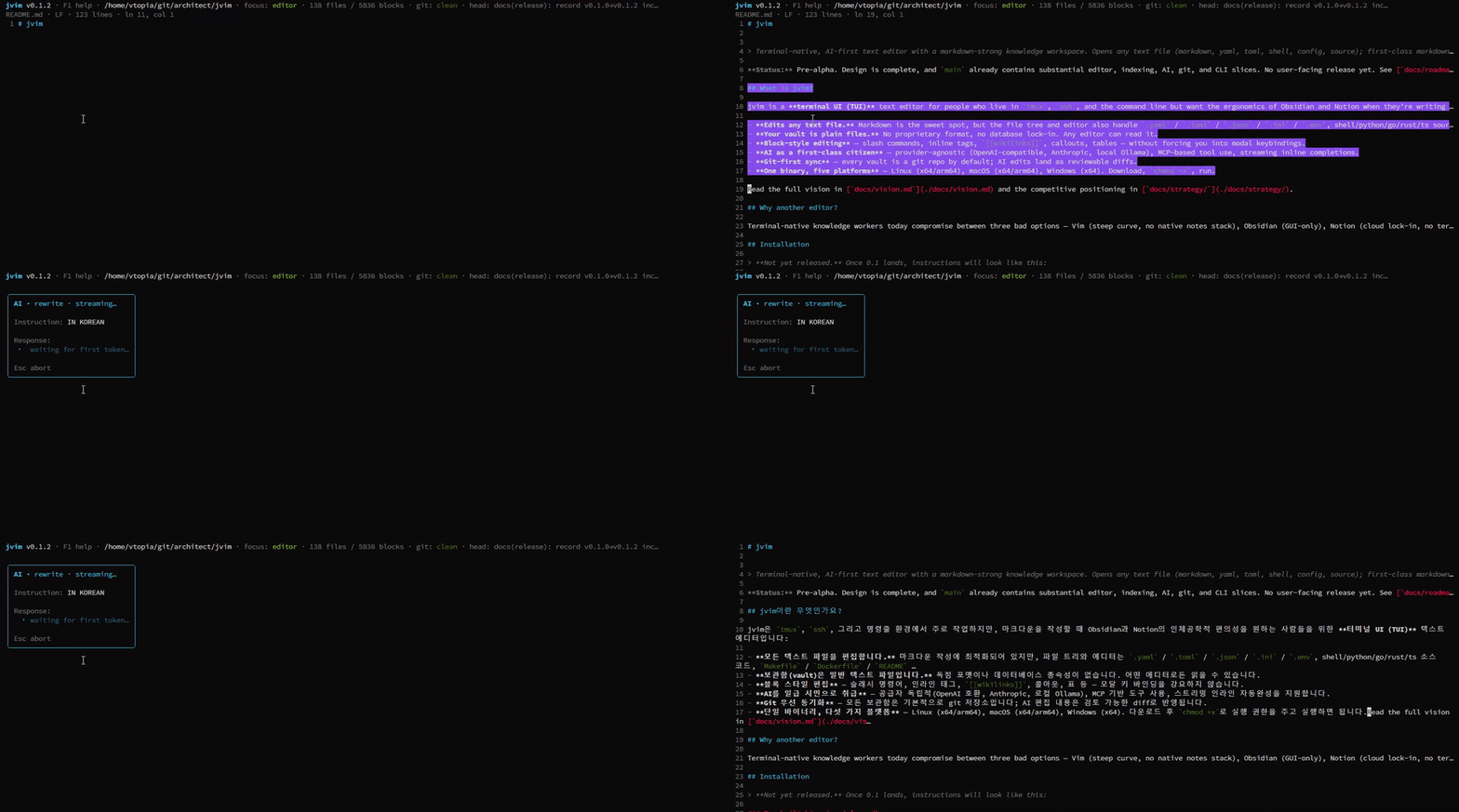
Full video: jvim_demo.mp4
Notes For Familiar Tools
Section titled “Notes For Familiar Tools”Notepad / Notepad++ shortcuts
Ctrl+S, Ctrl+Z, selection, and basic editing behave familiarly. jvim adds a file tree and markdown-aware views.
Start →For vim / neovim users
Use j/k/g/G in the file tree. The editor body is intentionally non-modal.
Start →Using Obsidian-style notes
Markdown files, wikilinks, tags, and backlinks are supported for plain-text vaults.
Start →Features
Section titled “Features”Markdown-first editing
Live styling for headings, emphasis, lists, code fences, tables, and inline links.
Wikilinks + Backlinks
Type [[ to insert. Backlink panel shows incoming references.
Tag browser
#tag autocomplete + F7 tag browser. Vault-wide frequency and a representative file.
Full-text + optional semantic search
Shift+F4 vault search, Shift+F5 index scope, SQLite FTS5, and optional sqlite-vec.
Notepad shortcuts
Ctrl+C/X/V/A/Z/Y/S/O/N + Shift+Arrow selection. Plus vim-style tree (j/k/g/G/n/r/d).
Optional AI overlay
Ask/Insert/Rewrite and inline autocomplete when you configure a provider. Local LLMs are supported.
Git integration
Diff panel, current file hunks, commit/push/pull without leaving the editor.
Single binary
Bun-compiled. No node_modules, no Node runtime required.
Why jvim?
Section titled “Why jvim?”No mode switching
Insert mode is the default — like Notepad. vim users keep j/k/g/G/n/r/d in the tree.
Folders, not pages
Open a folder, navigate with the file tree, link with [[wikilinks]], tag with #topics.
AI stays optional
When configured, Ask mode can search the vault first and show source notes. Without a provider, jvim remains a local editor.
Single binary
Download, run. No node_modules, no Node runtime, no Electron. Linux x64 / arm64.